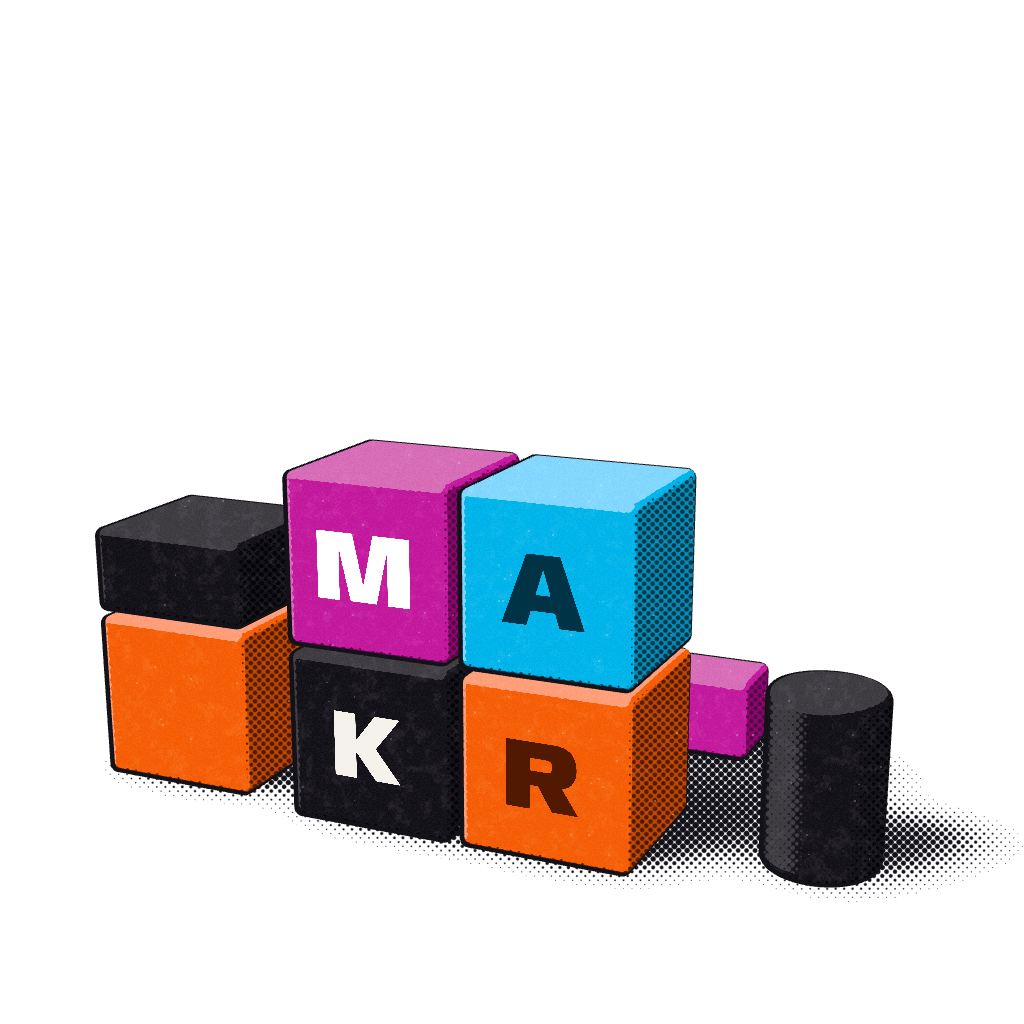
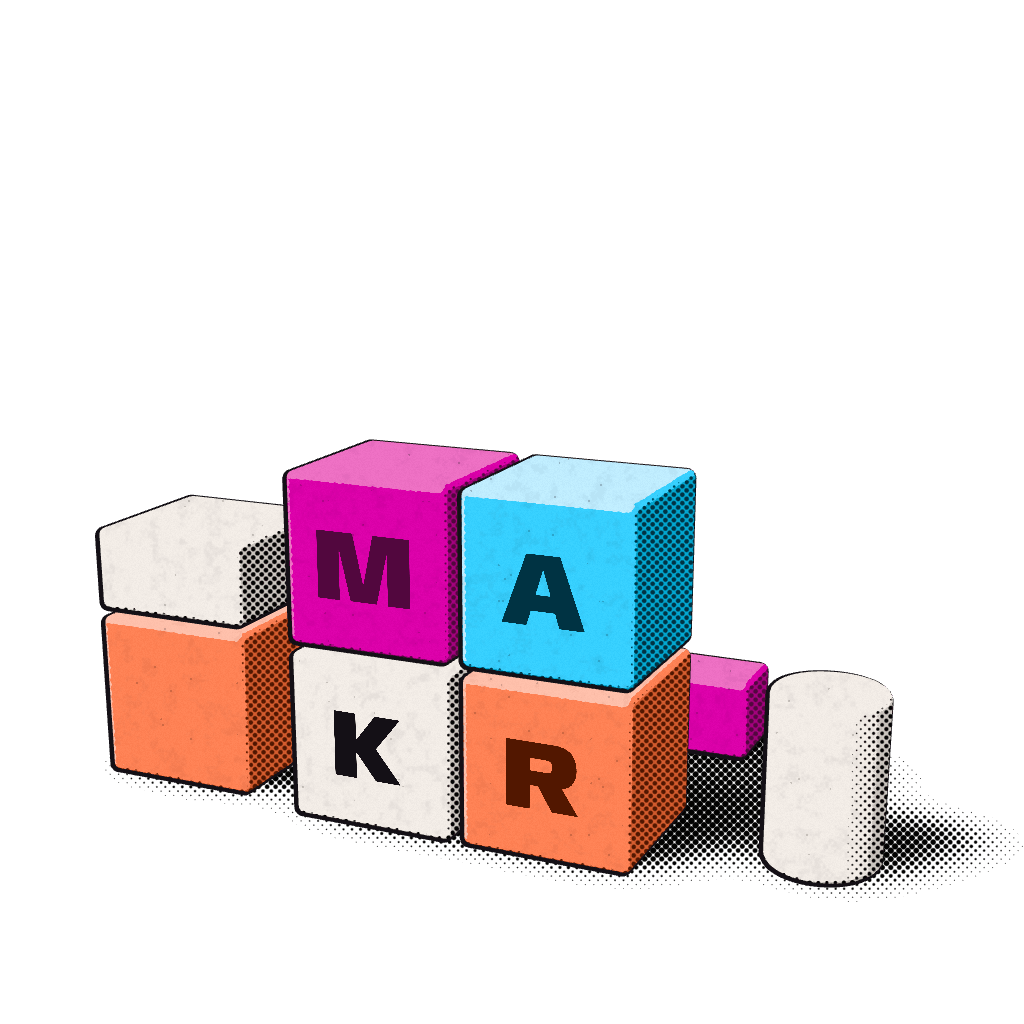
The mark is four squares, M A over K R, each in the Process ink of the line it stands for: magenta for Custom apps, aqua for Software, key for Websites, red for Growth. Read across the rows and the squares spell the press they are printed on. It is the same 2 × 2 the wooden blocks tidy into on the home page, flattened onto paper.
The mark in use
Option c, Key block, is the MAKR Labs mark: picked on 24 October 2026. Every figure on this page, the favicon, the cards and the logo pack follow it from one line of code; see How to switch.
The three options#
Each option keeps the plain 2 × 2 and the four inks. They differ only in how the squares meet.
Every fidelity#
The mark prints at five fidelities. The 2D drawings and both favicons come from the same geometry, so the shapes cannot drift apart; at favicon sizes every edge lands on a whole pixel.
| Fidelity | a, Overprint | b, Paper seam | c, Key blockIn use |
|---|---|---|---|
| 2D, ProcessThe mark itself: four inks, the seams as the option prints them. 64 px with its letters. | |||
| 2D, one inkWhere only one ink prints (a stamp, an embossed card, a single-colour job): the squares part with paper. | |||
| 2D on NightOn Night the seams screen instead of multiply, and the key square prints in white ink. | |||
| Favicon, 32 pxPixel-snapped: every edge on a whole pixel. Shown at size and three times larger. |  |  | |
| Favicon, 16 pxSeven-pixel squares with a one-pixel seam. Shown at size and six times larger. |  |  | |
The 3D still#
The blocks are the mark's third dimension. They tidy into the same 2 × 2 whichever option is in use, printed with the 3D kit's print shading, so one set of stills serves all three.
Lockups#
The mark sits beside the wordmark (horizontal) or above it (stacked). The lockups are drawn from one geometry, so the website and the logo files print the same proportions: in the horizontal lockup the wordmark's caps are one module tall and centred on the mark; in the stacked lockup they are 0.6 of a module.
a Overprint
Not in useb Paper seam
Not in usec Key block
In use- Use the horizontal lockup where the space is at least two and a half times as wide as it is tall, the stacked lockup in squarer spaces, and the mark alone in square slots such as avatars and app icons.
- On Night and on the slab, the key square prints in white ink. Nowhere else does the mark change colour.
Clear space#
Keep at least one module, x, clear on all four sides of the mark and of every lockup. x is the side of one square at the size it prints, so the clear space grows with the mark. In print, keep 2x from any trim edge.
Nothing goes inside the clear space: no words, rules, image edges or other marks. Over a photo or art, the mark sits on an opaque paper plate that contains its clear space.
Minimum size#
| Use | Screen | |
|---|---|---|
| Mark | 24 px; from 16 to 23 px the favicon drawing takes over | 6 mm |
| Letters on the squares | from 48 px | from 12 mm |
| Horizontal lockup | 120 px wide | 30 mm wide |
| Stacked lockup | 64 px wide | 18 mm wide |
| Wordmark | 16 px type, the text floor (100 px wide) | 22 mm wide |
Each one, at its threshold:
- MAKR Labs
Don'ts#
The mark is only ever printed as drawn. These are the most common ways it goes wrong; the brand book lists every one with its rule.
Stretched
Tilted
Recoloured
Squares reordered
Framed
Crowded
Taking projects
Also never: a gradient, halftone, grain or second ink on the 2D mark; a glow, blur or soft shadow; the mark on a line plate or straight on a photo; a retyped wordmark, or "Labs" in the weight of "MAKR"; the mark used as a letter in a word.
How to switch#
The option in use is one line in the React kit:
// packages/overprint-react/src/brand/mark-option.ts
export const MARK_DEFAULT_OPTION: MarkOption = "c";
Change the letter, add a changeset (brand: the mark switches to option b), and rebuild. Mark, Logo, the press run's first print, the favicon and app icons, the cards and this page all read it. A single place can still show another option with <Mark option="b" />, which is how the comparisons above are drawn.
Related#
- Mark, Logo, Wordmark and LineBadge: the components.
- Block still and Block mark: the 3D fidelities.
- Colour: what each ink means.